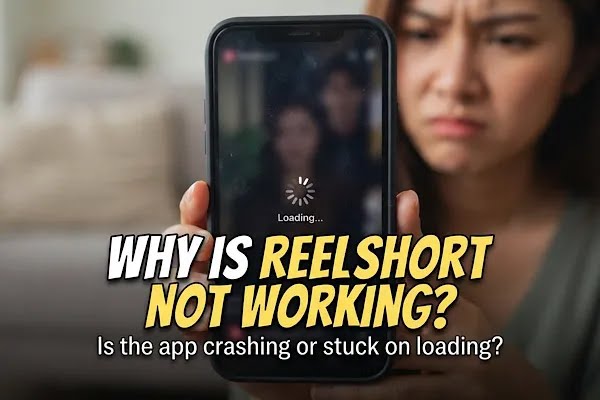
With over 286 million downloads worldwide, ReelShort is the pioneer of vertical microdramas. Known for its binge-worthy and highly addictive bite-sized dramas made for mobile viewing, ReelShort movies are fast-paced, each episode lasting 1-3 minutes and coming with relentless cliffhangers. So nothing ruins the mood better than technical issues when the app is not working. If you find yourself asking, “why is ReelShort not working?”, you are not alone.
Sometimes closing the app and restarting may do the magic. Or checking your internet connection could be the fix, but not all app issues are fixed easily. So you might go on the internet to find answers and solutions, unaware ReelShort has a dedicated support system that can help you with any app, account, or any issues for that matter. Finding out why is ReelShort not working can sometimes be tricky, but we have you covered.
So here’s the quick guide to fix these common app issues and an easy way to continue watching your favorite shows without any interruptions.
- Part 1: Why Is ReelShort Not Working?
- Part 2: How to Fix ReelShort App Not Working?
- Part 3: What to Do If ReelShort Is Still Not Working
- Part 4 : FAQ on ReelShort Not working
Part 1: Why Is ReelShort Not Working?
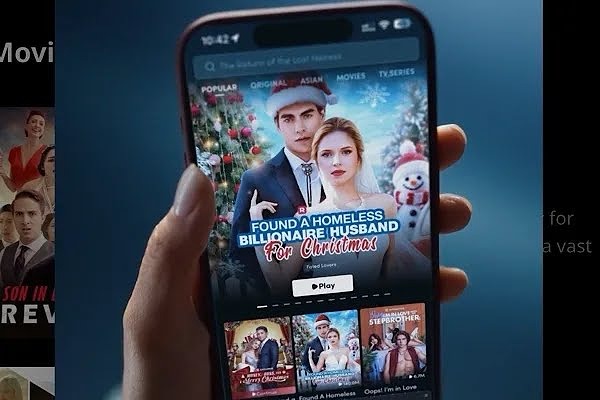
ReelShort has become a global phenomenon by reimagining streaming with fast-paced, 1-3 minute vertical movies. Powered by exclusive originals and viral tropes like secret billionaires, revenge, and fantasy, the app boasts over 286 million downloads and 70 million monthly active users, keeping millions hooked on its addictive drama.
But nothing ruins the mood faster than when the ReelShort app is not working. Because let’s be real, we all can agree that it’s frustrating when the app crashes or video freezes in middle of your favorite series. Especially if you’re someone who hate waiting to uncover what comes next after a massive cliffhanger that had you on the edge. And the one question that pops into your head is: Why is my ReelShort app not working? So here are the common issues viewers face:
1.1 ReelShort App Crashing
One of the most common technical issues faced by ReelShort app users is when the application shuts down unexpectedly or crashes the moment you try to open or start your favorite series. This issue can often be quickly fixed by clearing the app cache. You can enjoy the smooth watching experience again once the cache is cleared.
1.2 ReelShort Video Freezing
Yet another common reason users state when they complain that their ReelShort app is not working is when ReelShort videos freeze. Or they may experience a black screen, a screen stuck on the ReelShort logo, or buffering of videos. This issue could be a network latency one, and it can be quickly fixed by checking the network connection. Network issues are a frequent culprit when investigating why is ReelShort not working.
1.3 Login Issues
The most frustrating issue is when you’re unable to log in to your ReelShort account or when users get kicked out of their accounts. This is a problem due to the expiration of the authentication token or the failure of a third-party service (e.g., Google). It can be solved by manually logging out of the account or checking your proxy settings.
Part 2: How to Fix ReelShort App Not Working?
2.1 Clear The Cache
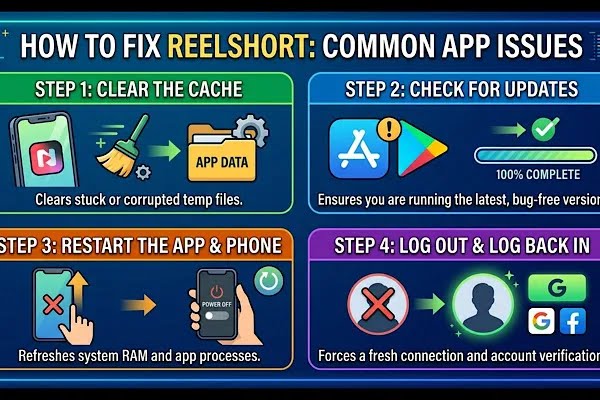
Usually when your ReelShort app is not working, you can try easy fixes like clearing the app cache and data. Because most times temporary files can cause the ReelShort app to crash or freeze. Rebooting your device and trying to close some other apps can also help stop your app crashing.
2.2 Update The ReelShort App
Go to the Apple App Store and Google Play Store to ensure your ReelShort app is updated. Old app versions may cause glitches and crash when you’re trying to watch videos or log in. If your app is updated, then try to close the app and restart it.
2.3 Check Your Network Connection
Always check your internet connection, as most times buffering of videos may be due to poor internet. So check the internet speed and try rebooting your Wi-Fi modem, or set your device to airplane mode and then restart the app. Even too many devices connecting to the same Wi-Fi may cause overload and cause network issues that would lead to the ReelShort app not loading.
2.4 Contact Customer Support
If your issues remain unresolved, then you can contact ReelShort. You can either mail to ReelShort.support@crazymaplestudio.com or submit a ticket through the ReelShort feedback portal. They can provide specific answers to why is your ReelShort app not working.
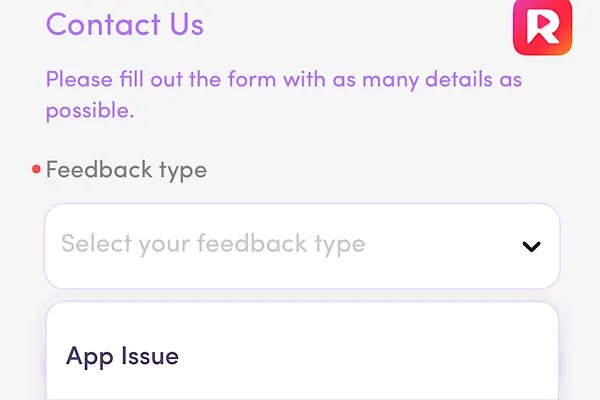
On the portal, you can find various articles that answer your questions regarding subscription, technical issues, ads, or even account issues with easy guides on how to fix them. These articles are extremely insightful and can fix most of your issues. Or simply select the “Contact Us” option on the same feedback page and fill out a quick form to raise your ticket. While raising ticket, make sure you include your User ID, screenshots or any screen recordings to show your actual error.
Part 3: What to Do If ReelShort Is Still Not Working
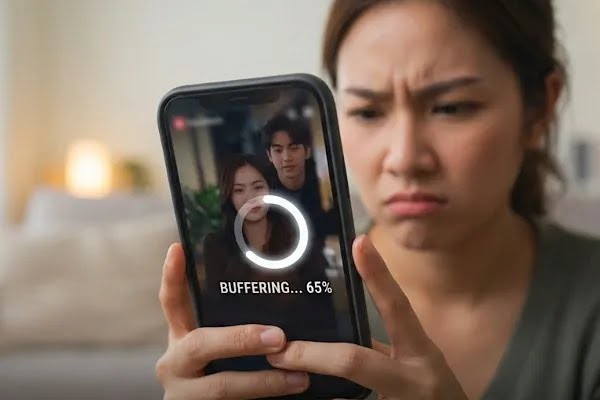
If you’re still facing issues with the ReelShort app that’s refusing to open or freezing in between your favorite shows, don’t worry. Because you can pick up right where you left off on the ReelShort app by switching to the official ReelShort website.
Because getting locked out of on the app when you’re in the middle of those favorite shows is frustrating and needs immediate attention so you don’t miss out on the major cliffhanger and what comes next. So that’s why switching to the ReelShort website is the ultimate foolproof option. Here’s the quick guide to switch over to the ReelShort website.
3.1 Open The Official ReelShort Website
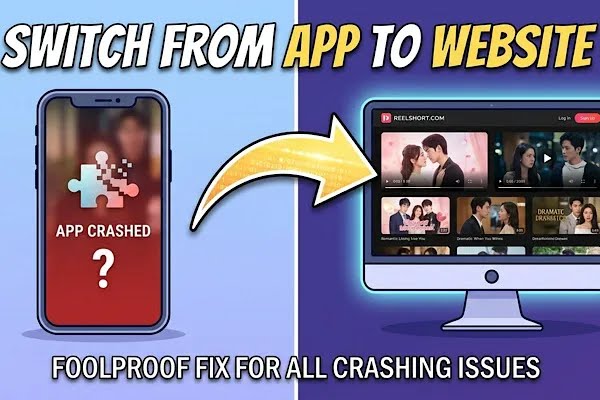
Go to the official ReelShort website domain—ReelShort.com. Just like the ReelShort app, you can access the website on your smartphones without needing a computer.
3.2 Log In To Your ReelShort Account
Once you’re on the ReelShort’s official website log in to your account. Say you had signed up using a Gmail address on the ReelShort app, then use the exact same Gmail address. Or if you had previously logged in on the ReelShort app using your Apple ID, then log in using the same credentials.
3.3 Access Your History & Continue
Once you have logged in on the ReelShort website, you can tap open your profile to find your history or library to find the show you were previously watching on the ReelShort app. Once you have access to your library, continue where you dropped off and enjoy the hottest verticals on your smartphones.
Part 4 : FAQ on ReelShort Not working
4.1 Where To Find ReelShort Feedback Portal?
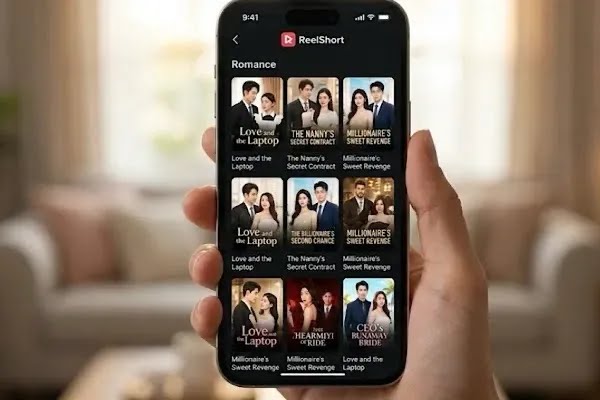
On the ReelShort app, you can find the access to the feedback portal on your profile under the “Help/Feedback” option. On the ReelShort website, scroll all the way to the bottom and tap on “support,” and you will find the “Contact Us” option.
4.2 How To Contact ReelShort When My App Is Not Working?
You can email ReelShort (ReelShort.support@crazymaplestudio.com) or go to the ReelShort Feedback Portal to raise a ticket for your concern. You can find this help portal on the ReelShort web browser if you’re unable to open your app.
4.3 How Can I Continue Watching ReelShort Shows When The App Crashes?
You can immediately switch to the ReelShort website if your ReelShort app is not working and pick up right where you left off.